The History tab on the patient record shows who changed what on the record and when: the patient’s details, contact details, NHS details, consents, recall and reminder settings, account, journey stage and appointments. The pictures use a made-up test patient in a demo practice.
1. Opening the History tab
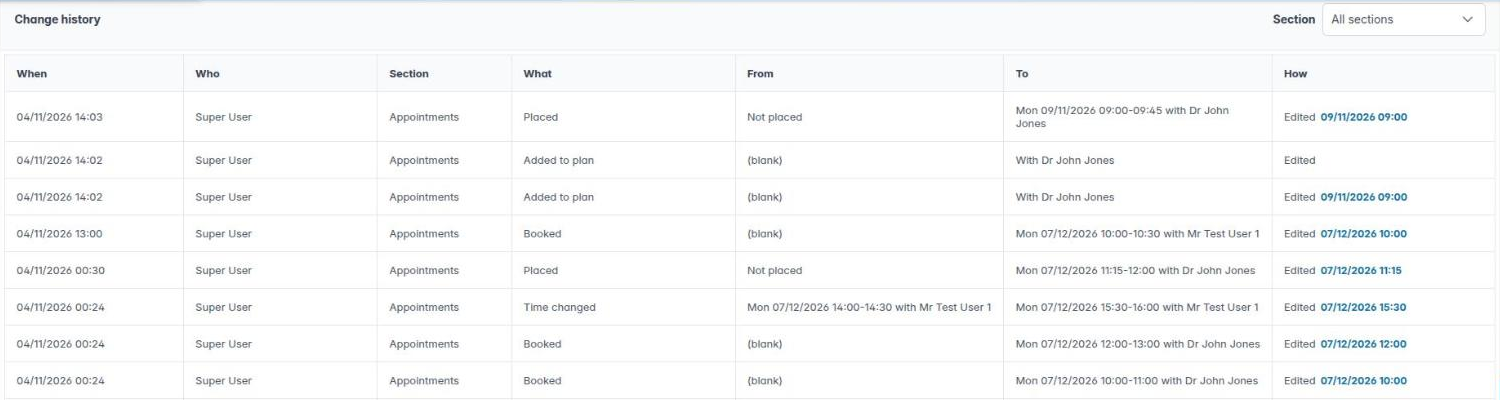
Open the patient and click History. Each row shows:
- When the change was made and Who made it (a user’s name, Patient for a change made on the patient portal, or System).
- The Section of the record and What changed, for example Booked, Time changed, Length changed, Reassigned, or Added to plan and Placed for a treatment plan’s appointments.
- The value it changed From and To. An empty value shows (blank); rest the pointer on a long value to read all of it.
- How it was changed: Edited, Bulk update, From appointment, Import or Patient portal.
Changes are recorded from 3 November 2026. You need the Patients – change history permission to see the tab; everyone with Housekeeping has it.
2. Finding a change
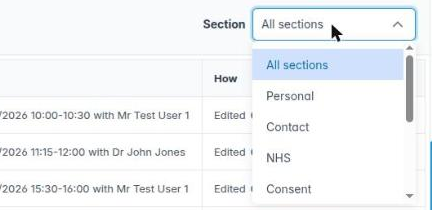
Use Section at the top right to show one part of the record: Personal, Contact, NHS, Consent, Practice, Recall, Account, Journey or Appointments. Choose All sections to see everything again.
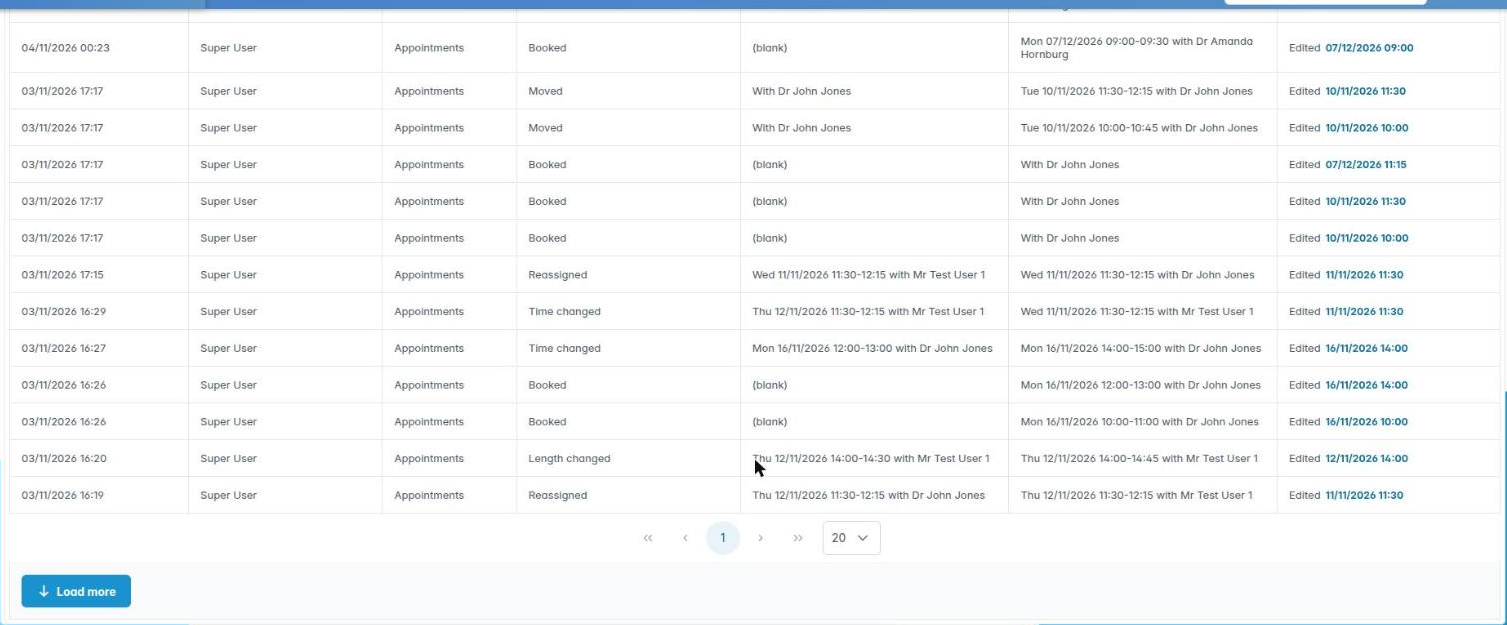
The list shows 20 changes a page; change it to 10 or 100 under the list. When there are older changes, Load more appears on the last page; click it to fetch the next lot.
3. Going to an appointment
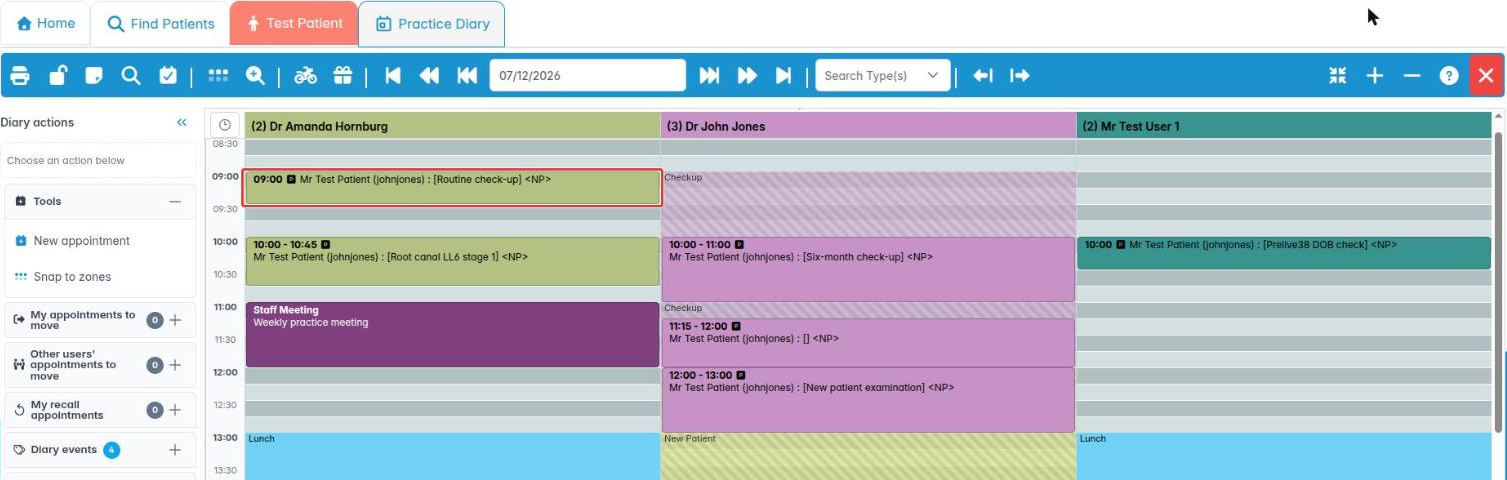
For an appointment change, the How column also shows the appointment’s date and time as a link. Click it to open that day in the Practice Diary with the appointment selected.