New Features
Housekeeping, Medications (Issue #101)
Housekeeping now allows the practice to add prescribed medications. These can be used in creating patient documents such as prescriptions, see (Issue #97).
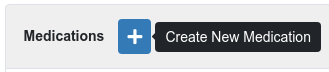
In Housekeeping use the “Medications” tab and press the plus button to create a new medication.
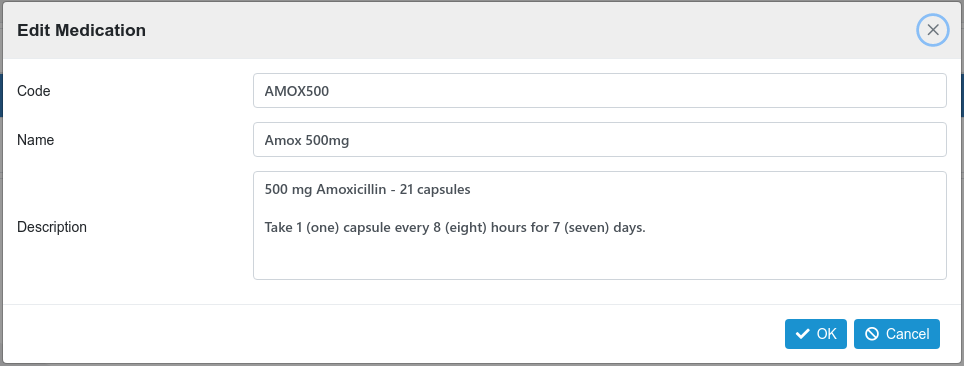
This will present the create medication dialog.
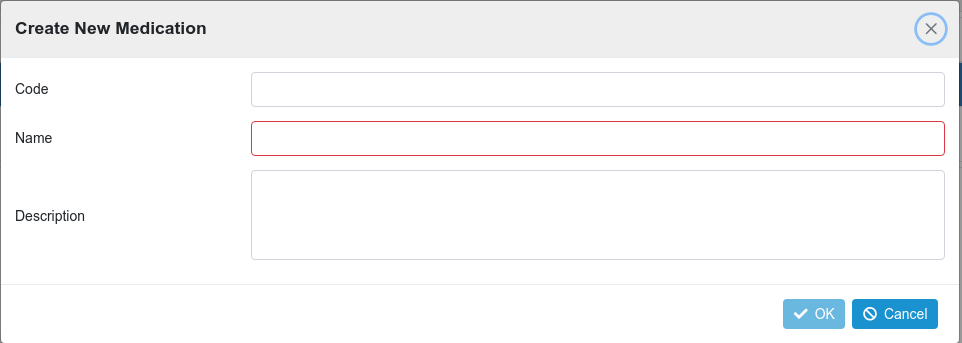
The code is an arbitrary code to identify the new medication. The name will give a short description and the description field provides the full information that will be inserted into any document that supports the {MEDICATION} merge field, such as prescription.
This is an example having been created and being edited;
Prescriptions (Issue #97)
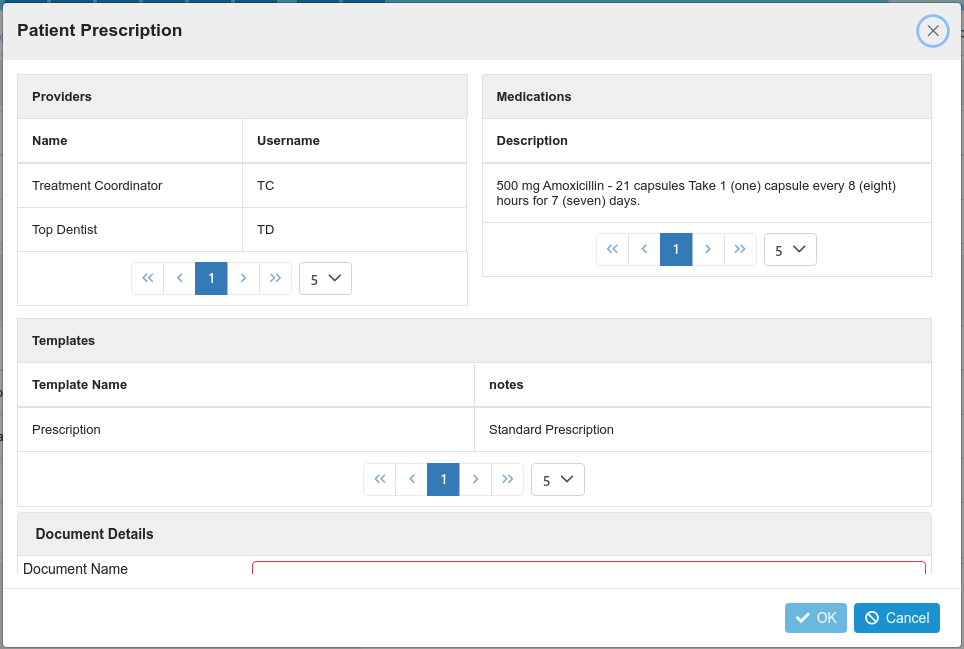
The create prescription dialog now introduces the ability to select a previously created medication. This is included in the selected template by using the {MEDICATION} merge field.
Voided Transactions Report (Issue #98)
This report now shows the patient name per voided transaction.
User Details (Issue #100)
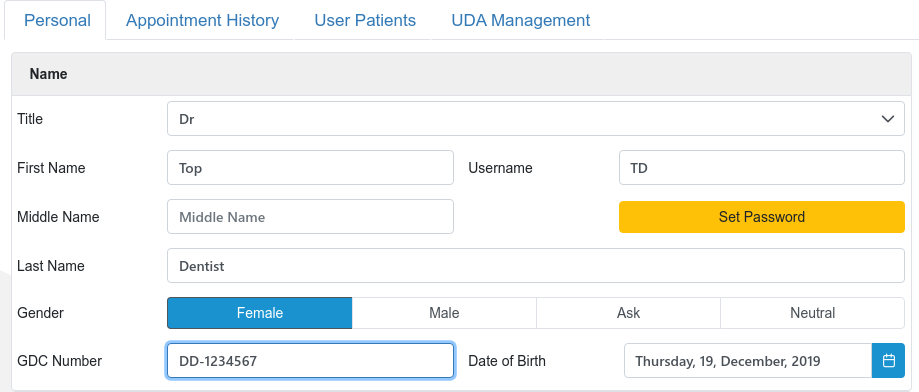
The User record can now record the user’s GDC number where appropriate. This can now be used in report / document merge fields.
Patient Document: Edit Details (Issue #102)
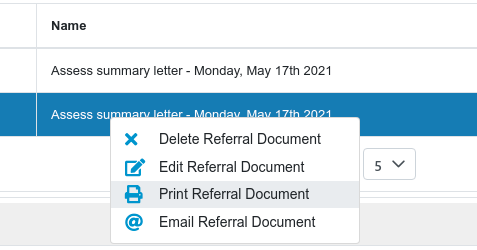
The patient document context menu “Edit” now allows for the details of the document to be edited.
Patient Document: Print (Issue #103)
The patient document context menu “Print” now allows for the document to be printed via the system print dialog.