New Features
Report Download (CCA_065)
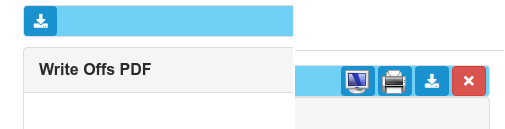
All reports can now be download as a PDF file, either from the initial report page or from the show report page
Months Cash Report (CCA_066)
The report is available under Reports->Revenue->Months Cash
Daily Transactions Report (CCA_067)
The report is available under Reports->Revenue->Daily Transactions
Accounts in Credit Report (CCA_068)
The report is available under Reports->Accounts In Credit
Uninvoiced Charges Report (CCA_069)
The report is available under Reports->Charges->Uninvoiced Charges
Incomplete Charges Report (CCA_070)
The report is available under Reports->Charges->Incomplete Charges
Account Write Offs Report (CCA_072)
The report is available under Reports->Revenue->Write Offs
Account Write Off / Reactivation (CCA_071)
Patient accounts can now be written off. In writing off an account all outstanding invoices etc are marked as written off and no longer appear in the outstanding accounts report.
When writing off an account an explanatory narrative can be entered.
These accounts would then appear in the Account Write Offs report.
Written off accounts can be reactivated. In reactivating account all written off invoices would are marked as due and will appear in the outstanding accounts report.
Writing account off

Reactivating account

Resolved Issues
Daily Cash Book Report (CCF_095)
The daily cash book report was showing ? instead of £ signs indicating monetary values.